Turn a tweet into a video.
Highlight a line in an X-style post, then bring the idea into your edit. Customize the text and profile details without recording your screen.
Create a post video MP4 / WebM · 2–8 s · No watermark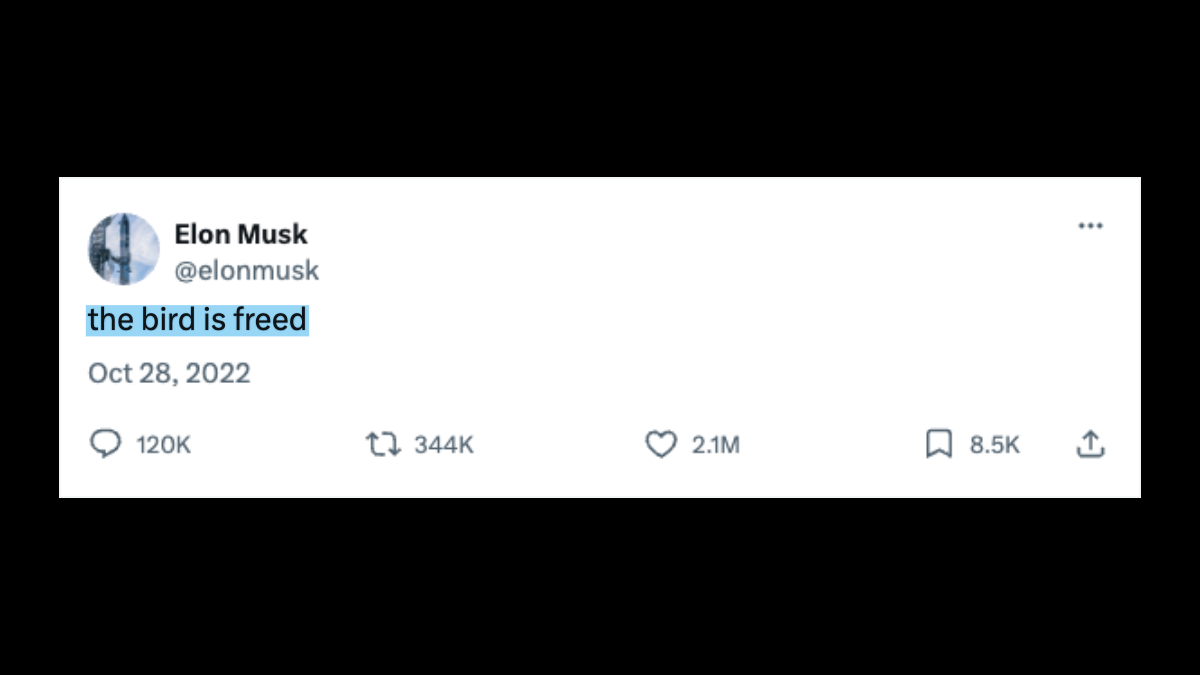
Give the post a role in your video
Explain your process
Open with your written point, then show the steps behind it. Keep enough surrounding text to make the highlighted phrase understandable.
Try “show the process”Document a launch
Use your own launch note before a product walkthrough. Update the name, handle and date so the visual matches the announcement you are discussing.
Try “the first version”Turn a tip into a demonstration
Highlight the practical instruction, then demonstrate it immediately. A short post is easier to read in a vertical video than a dense paragraph.
Try “start with one shot”
Create the post and its highlight
- Open a preset and select Edit details. Enter the post, display name and handle. Upload your avatar, then set the date and the counters you want to display.
- Select a phrase directly in the post text. The marker animates across those words while the surrounding interface stays in place. Pick Locked framing for a stable crop.
- Choose 9:16, 1:1 or 16:9 to match your project. Preview the whole post, then export the clip and place it before your commentary or demonstration.
CUTROOM’s post field holds 180 characters, with up to 36 in the highlighted phrase. That is this template’s limit: X describes a typical post limit of 280 characters. Shorten your own wording, or clearly label an excerpt without changing its meaning. X’s explanation of post types.
To keep a source reference, use X’s share menu to copy the post link. How to find a post’s URL.
Before you export
Can the tool import a tweet link?
No. Paste the text manually; a URL will not fetch a post. Keep the original permalink separately if you need to cite it in your finished video.
Are the likes and views live?
No. Likes, replies, reposts, bookmarks and views are editable display values. They do not connect to an X account or update automatically.
Can I export a thread or a transparent overlay?
This template renders one post per clip, on black with a white interface. Export separate clips for several posts; the output has no transparent background.